


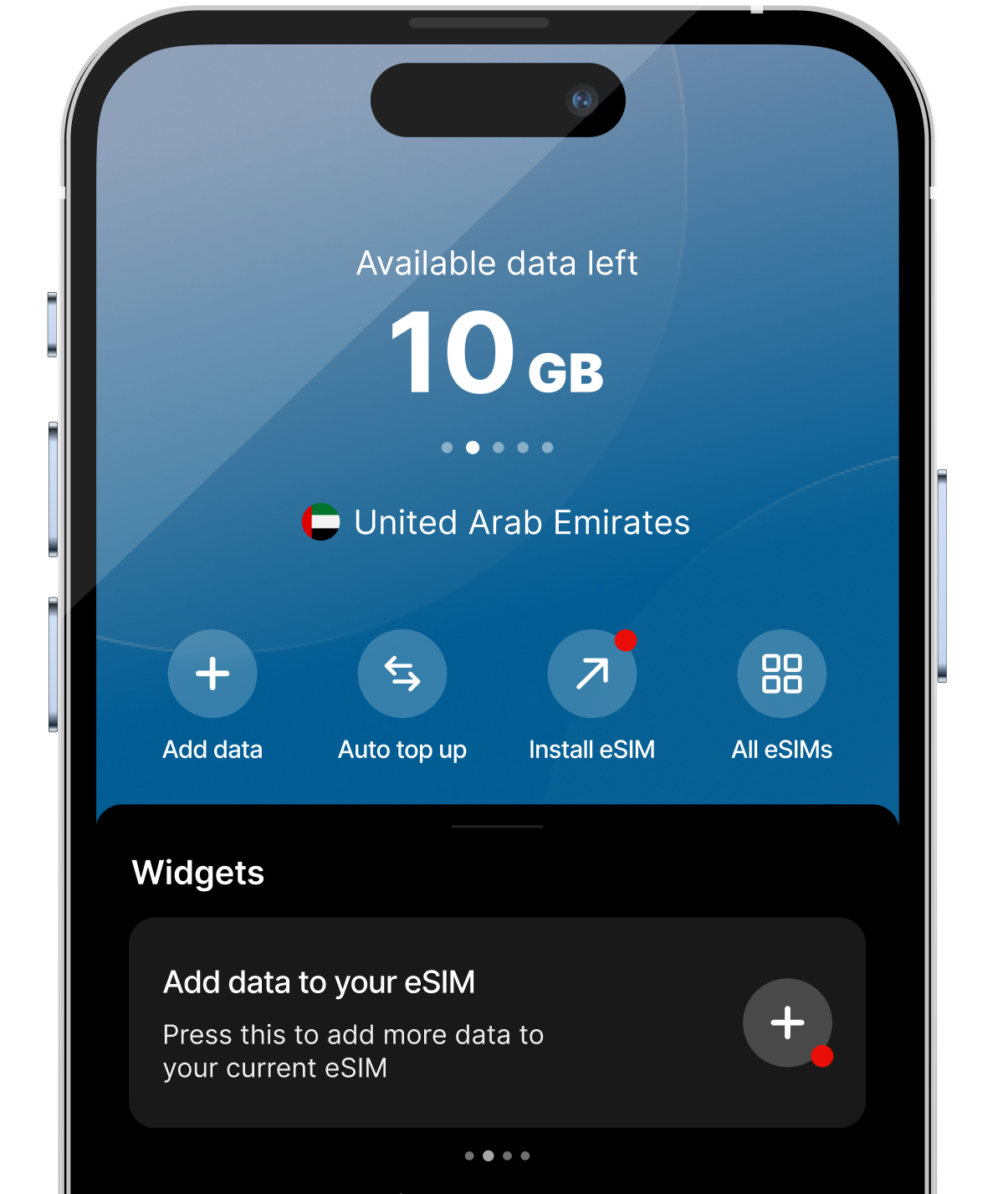


Choose a data plan for your trip
Select how much data you need, get the plan, and wait for the QR code to load up.
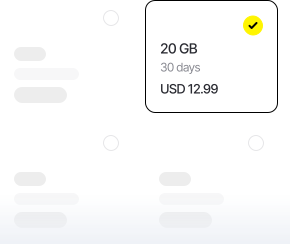
Choose your destination first, then a data plan according to your needs.
An eSIM is a virtual SIM card that allows you to get internet abroad, without a physical SIM card. You can store multiple eSIMs—ideal for travel.
Get an eSIM14-day money-back guarantee
An eSIM is a virtual SIM card that allows you to get internet abroad.
Don't have the zero eSIM app yet? Download it from the App Store or Google Play.
Select how much data you need, get the plan, and wait for the QR code to load up.
After scanning the QR press the continue button on your phone.
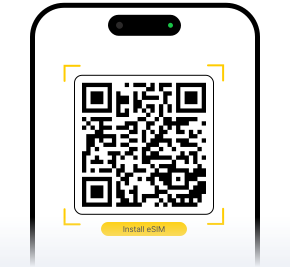
Your plan will automatically activate when you reach your destination or 60 days after you've bought it.
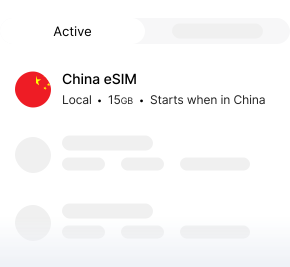
 Get an eSIM
Everything you need to know about travel eSIMs — how they work, what devices support them, and how to stay connected abroad without swapping physical SIM cards.
An eSIM is a digital SIM built into your phone. Instead of inserting a plastic card, you download a plan and install it with a QR code — perfect for travel.
A physical SIM is a removable chip. An eSIM is stored on your device and can hold multiple profiles, so you can add a travel data plan without removing your home SIM.
Most recent iPhones, Samsung Galaxy, and Google Pixel models support eSIM. Check your device settings for “Add eSIM” or “Add cellular plan” to confirm.
A good rule of thumb is about 1 GB per day for maps, messaging, and light browsing. Stream or hotspot a lot? Choose a larger plan or a regional package.
Your data plan typically activates when you arrive at your destination and turn on your eSIM, or within 60 days of purchase — whichever comes first.
Yes. Country plans cover one destination, while regional and global plans let you use data across multiple countries on a single eSIM.
After purchase you receive a QR code. Open your phone camera or settings, scan the code, and follow the on-screen steps to add the eSIM profile.
Yes. Dual-SIM phones can use your home SIM for calls and texts while the eSIM handles mobile data abroad — no need to lose your number.
Install before you fly, but enable data roaming on the eSIM line only when you land. That way you avoid accidental usage before your trip starts.
You can top up or buy an additional plan in the Zero eSIM app. We recommend picking a slightly larger plan if you hotspot or use navigation heavily.
Unused plans are covered by our 14-day money-back guarantee. If your eSIM has not been activated, contact support for a full refund.
Reach us 24/7 through the Zero eSIM app or website chat. Have your order email handy so we can help with activation or troubleshooting quickly.